Components
Every component, as it looks. Open one to try it live, read its axes and its stories.
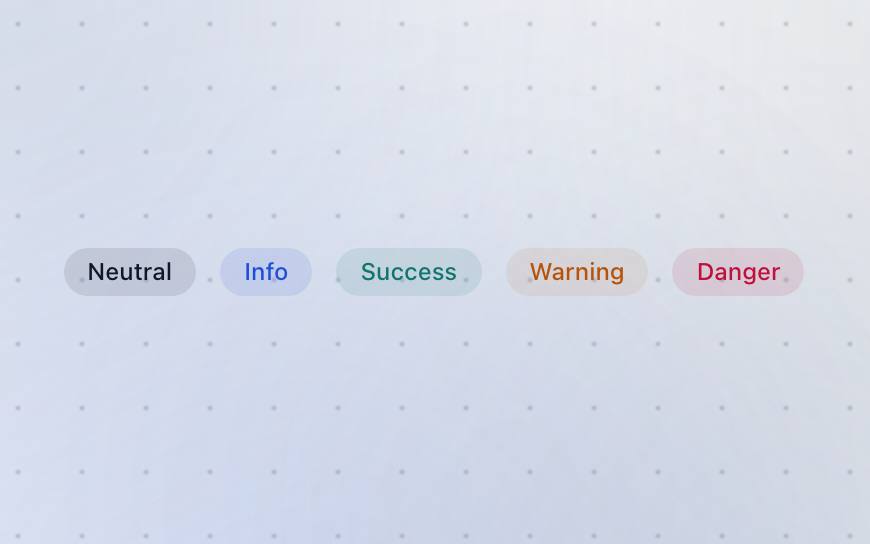
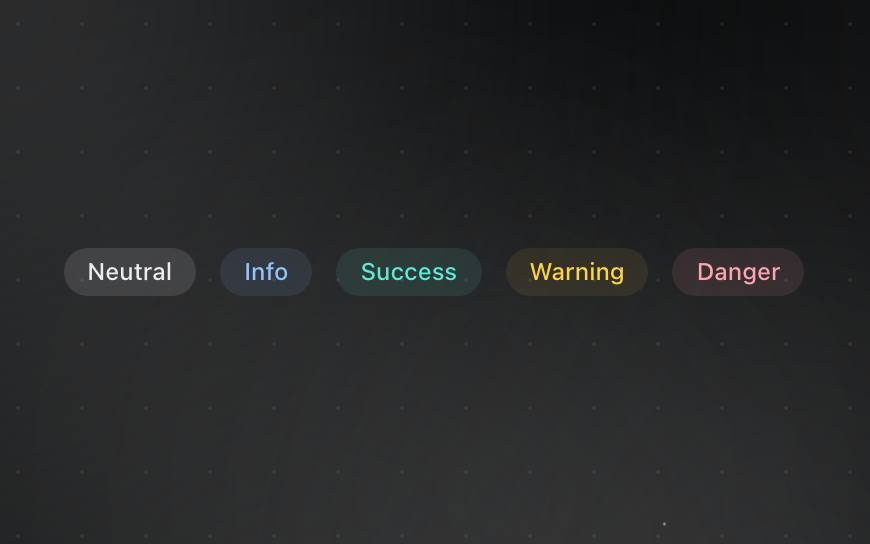
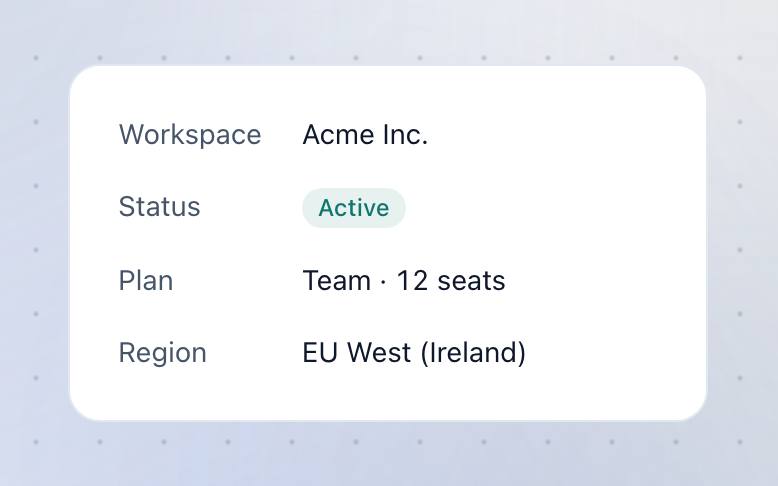
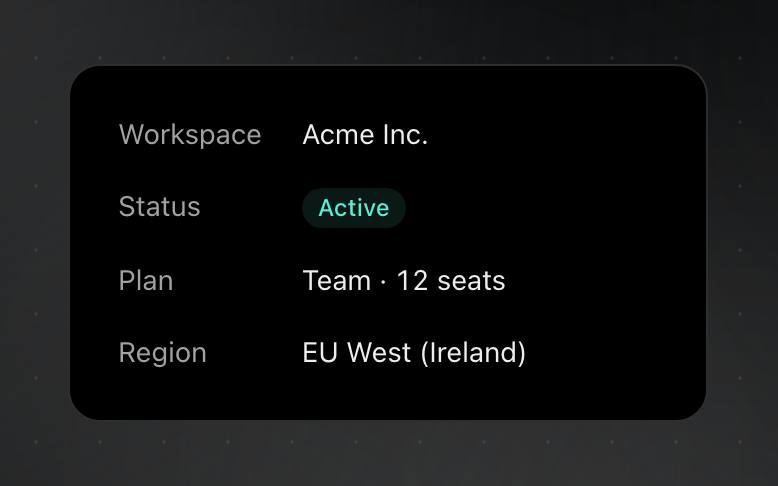
A short status label, tinted by what it means: info, success, warning, danger or neutral.




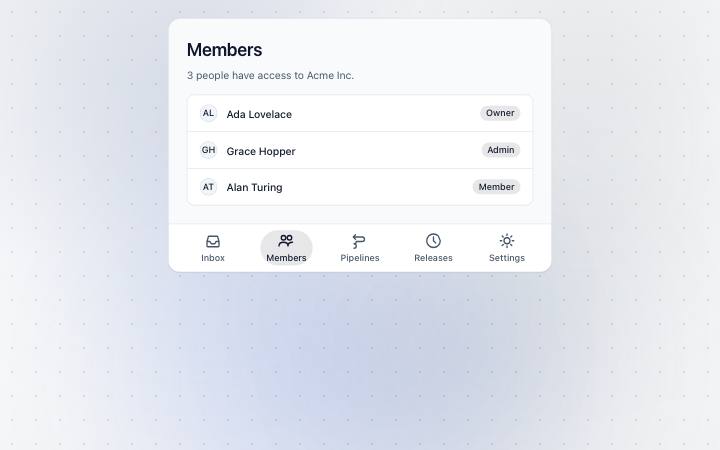
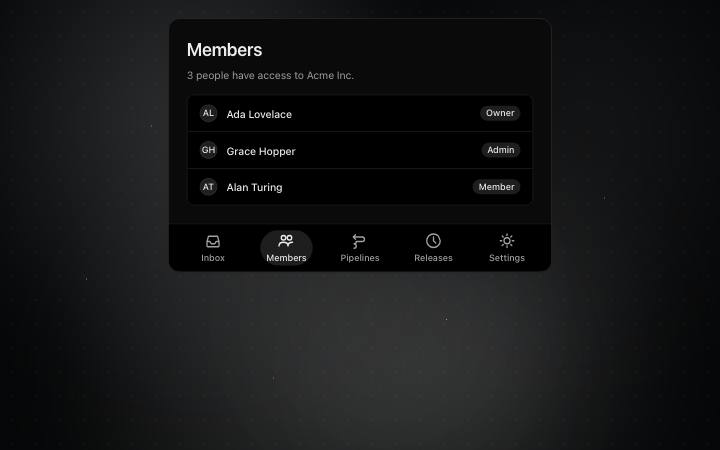
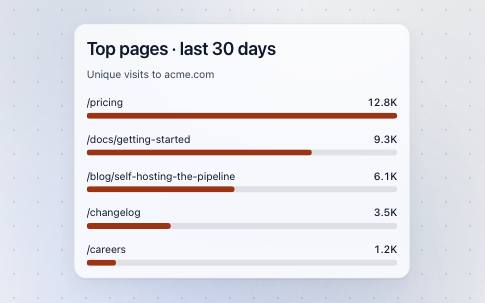
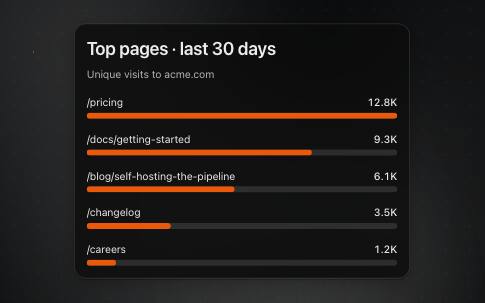
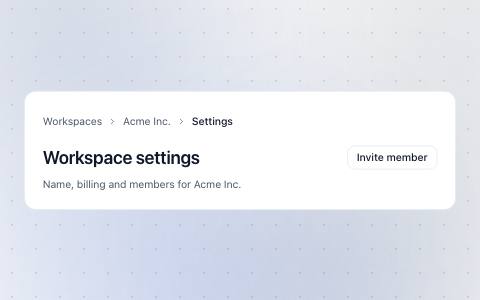
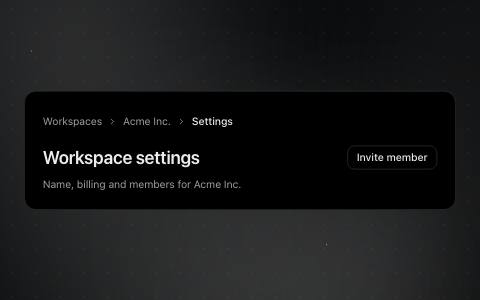
Where the reader is: the trail of pages above this one, each a link back.
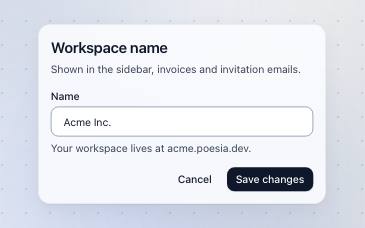
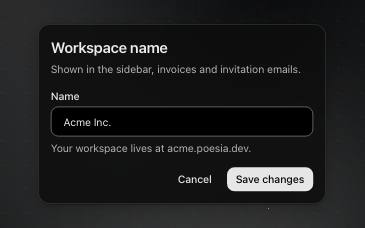
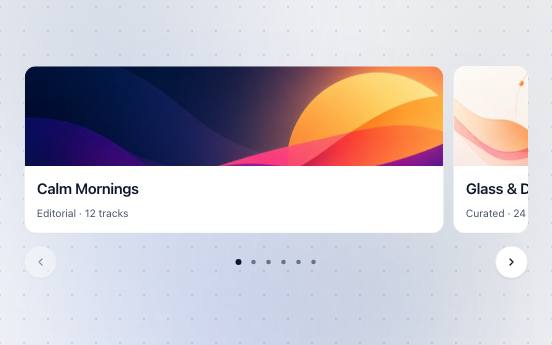
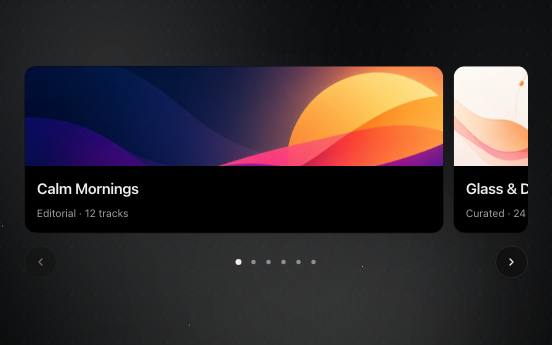
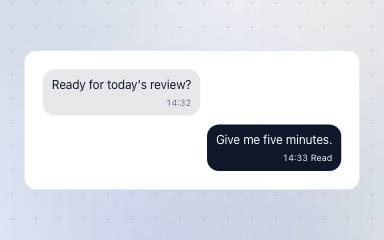
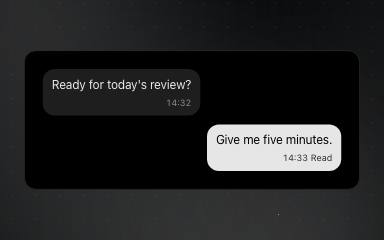
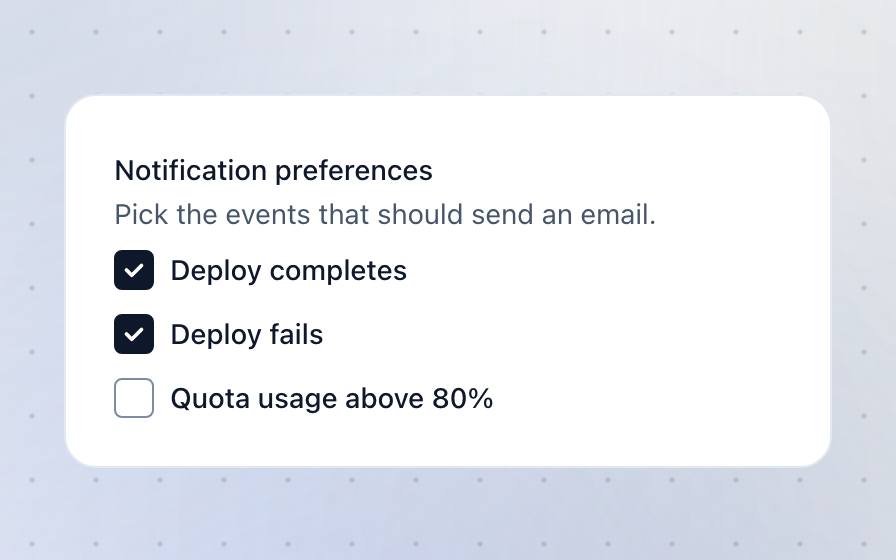
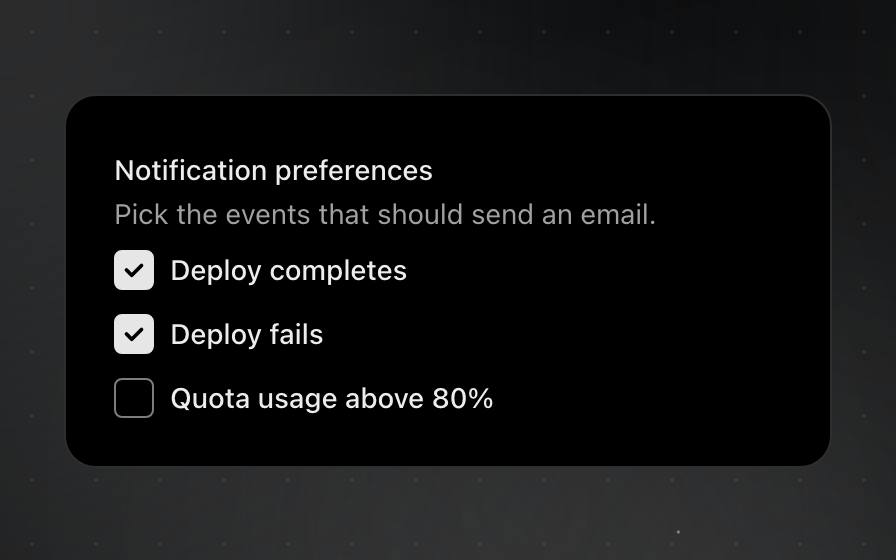
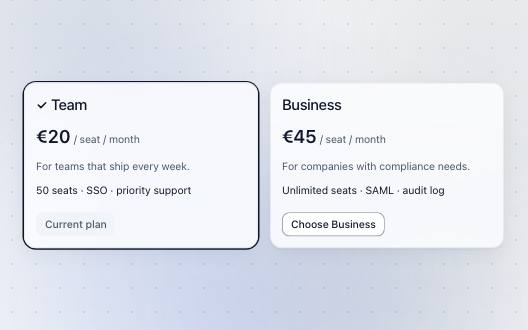
Pick one or many from a short set, each choice with a title and a line of detail.
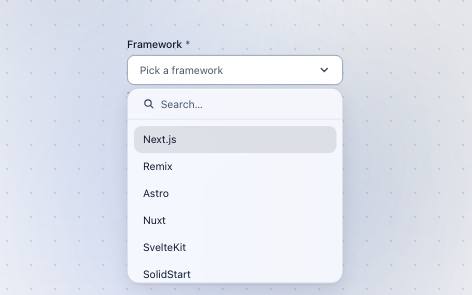
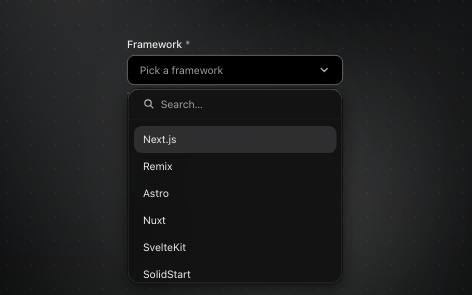
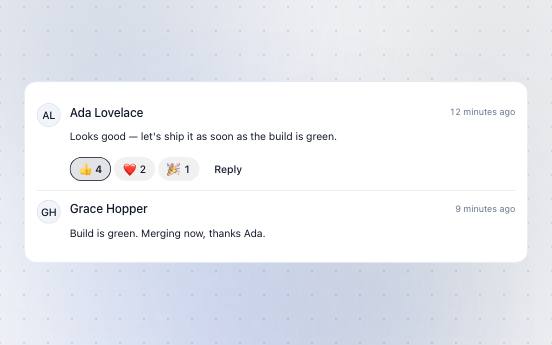
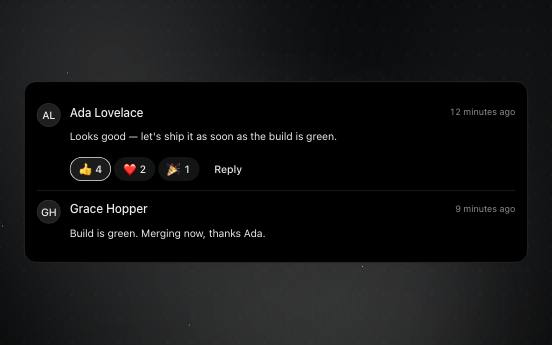
One comment: who wrote it, what they said, and the reactions to it.
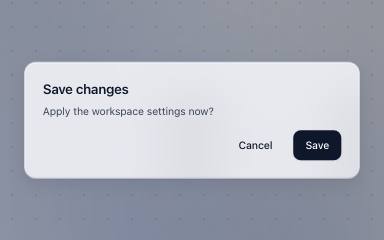
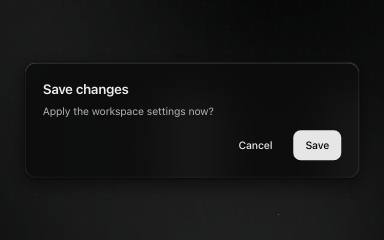
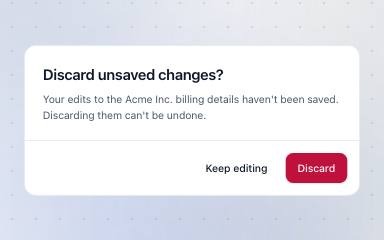
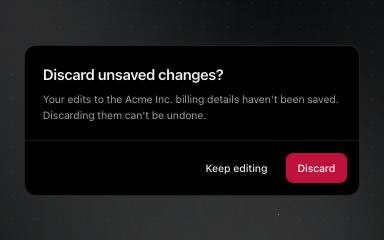
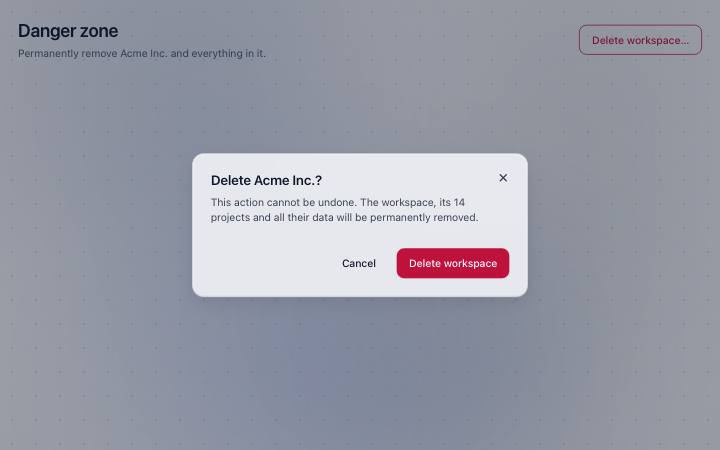
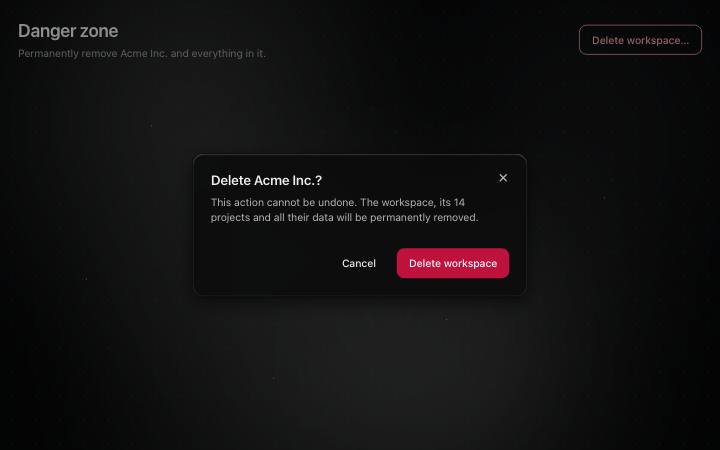
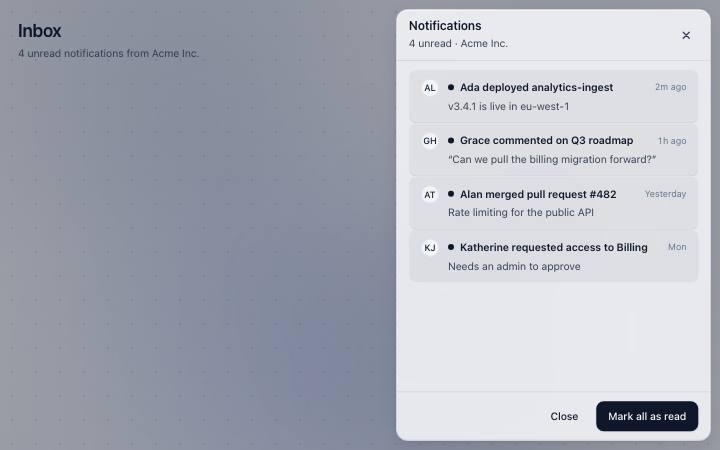
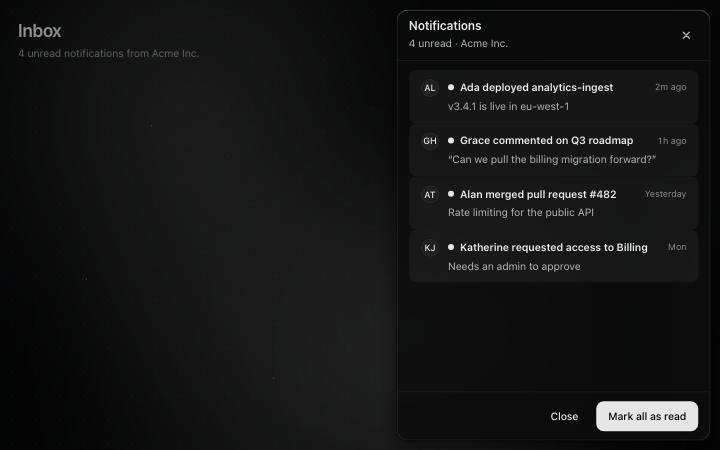
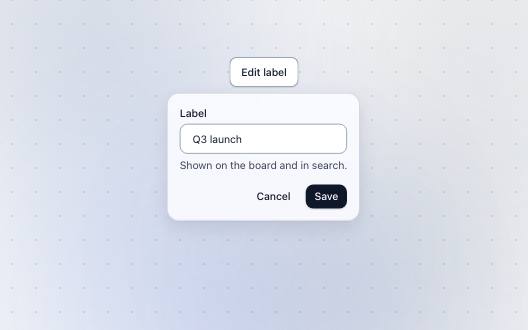
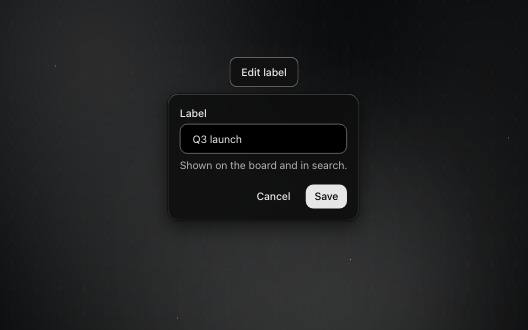
Asks a reader to confirm or cancel before something that matters.
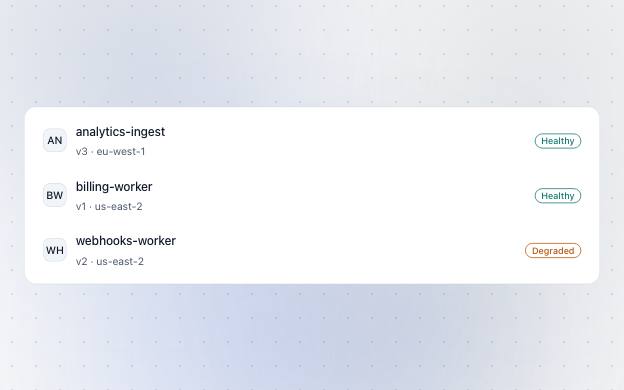
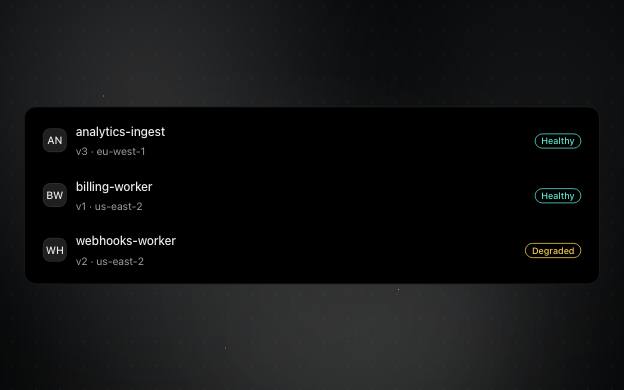
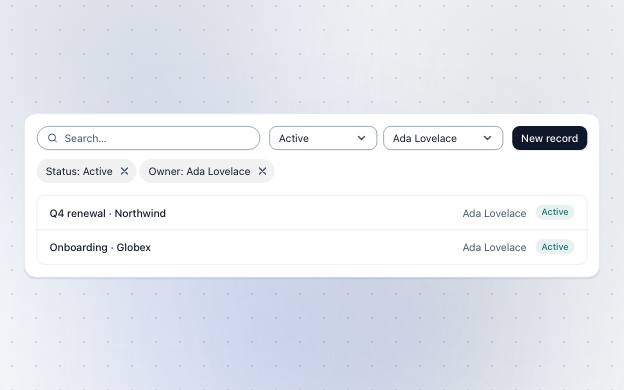
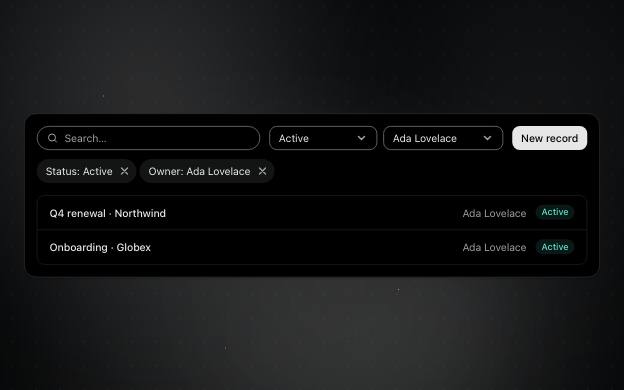
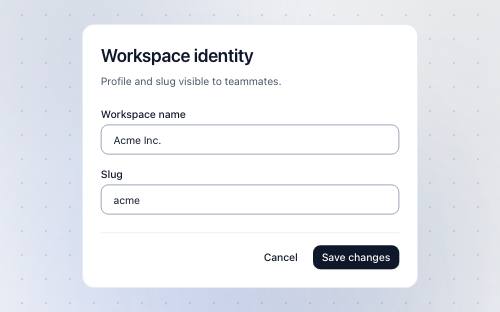
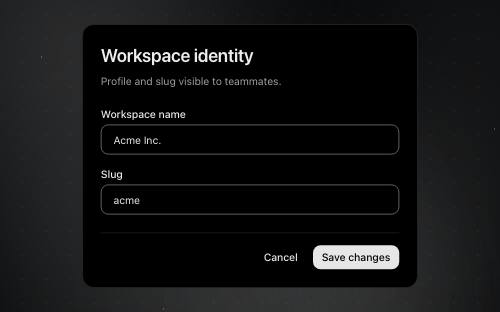
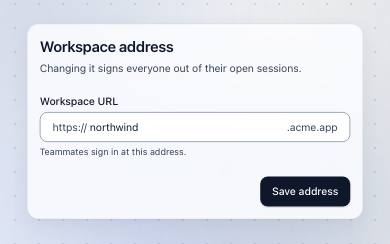
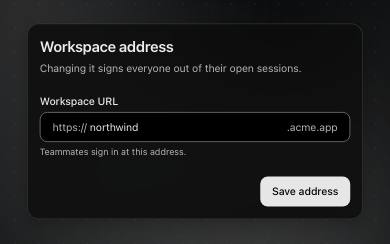
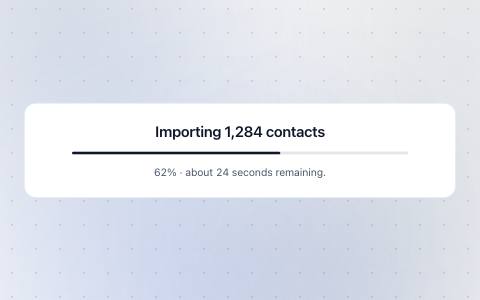
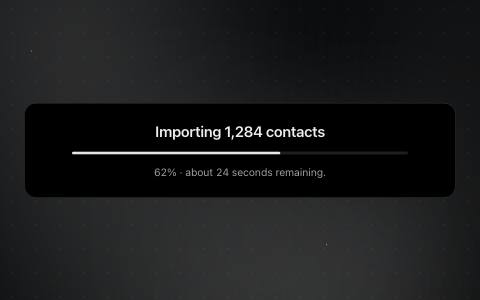
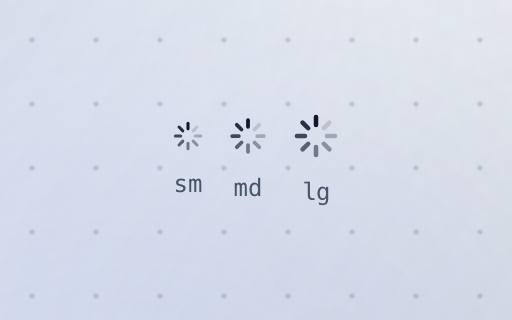
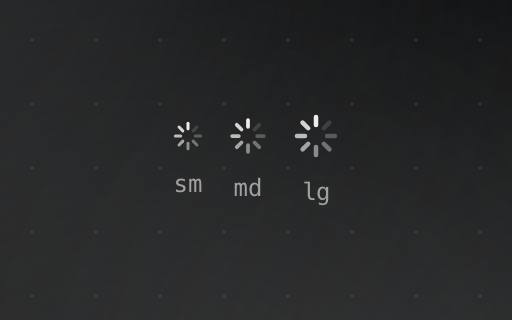
What a surface shows while it loads: a spinner, a skeleton of its content, or progress.
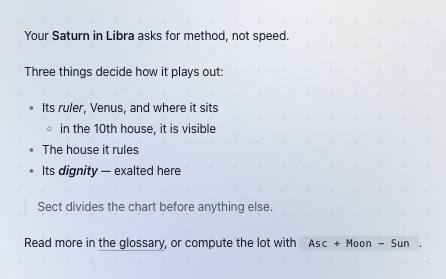
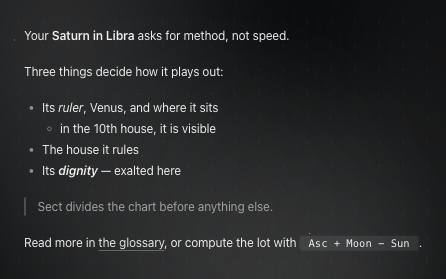
Model or editorial Markdown painted with atoms; app pieces through render slots.
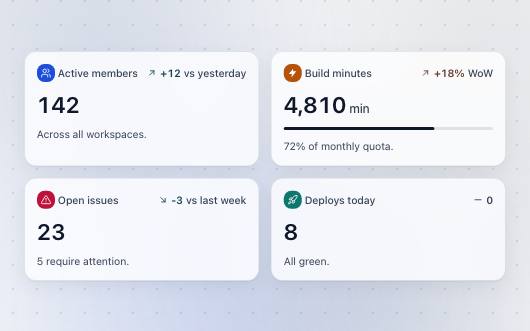
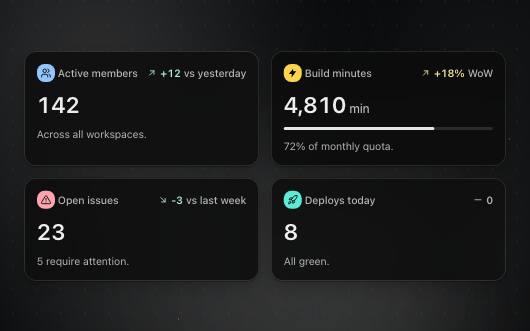
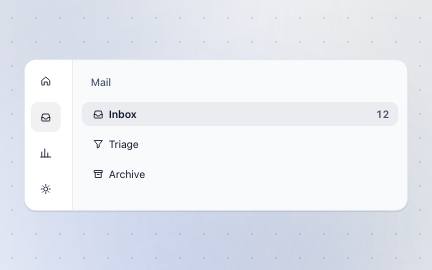
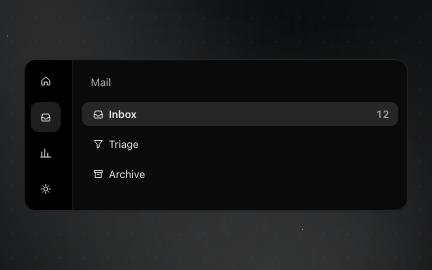
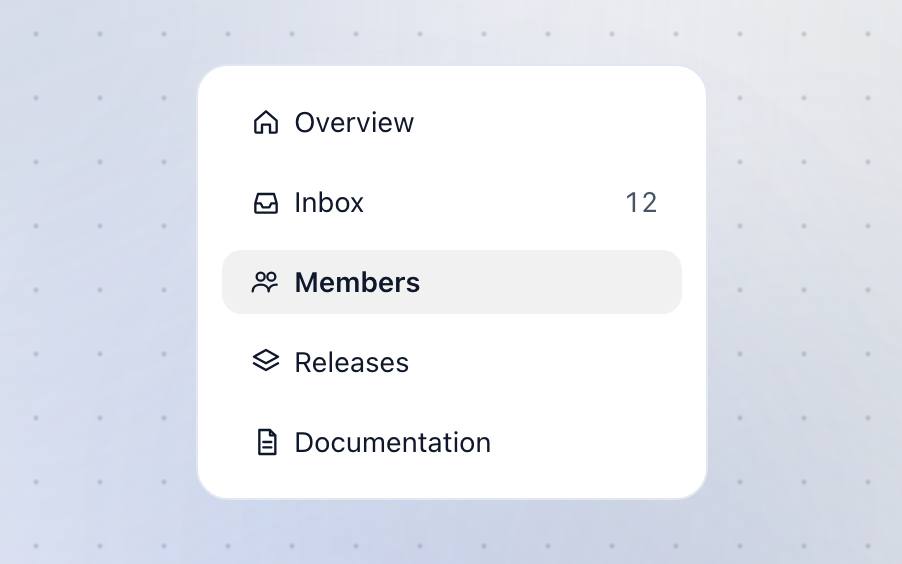
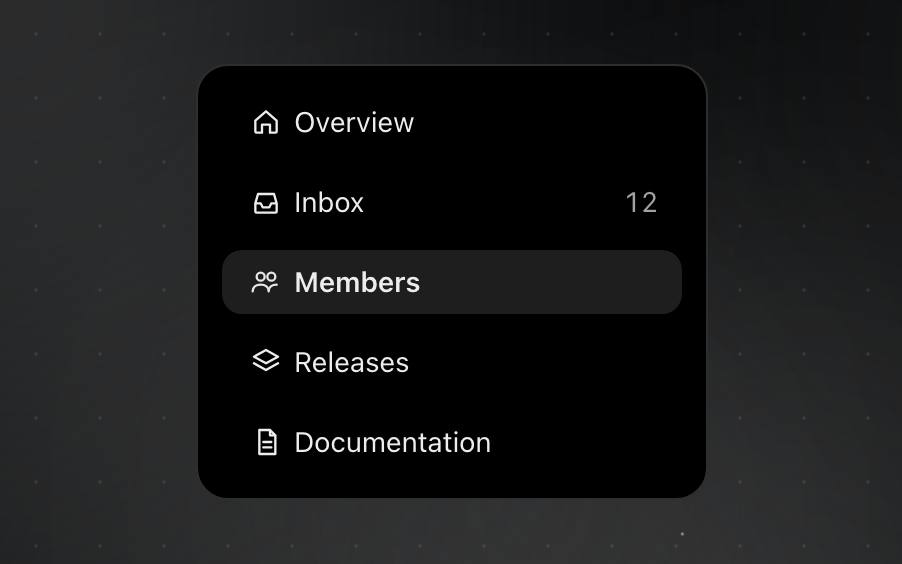
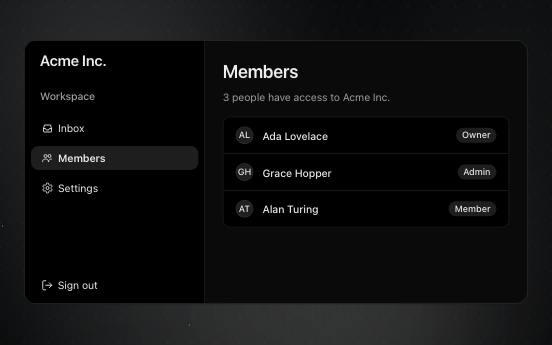
A navigation row — an icon in the rail that opens its peek, a labelled row in a panel.



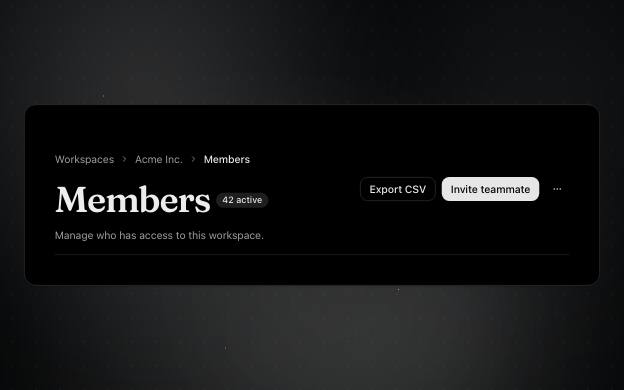
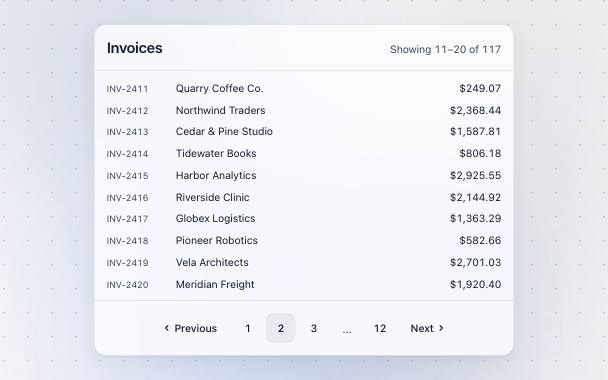


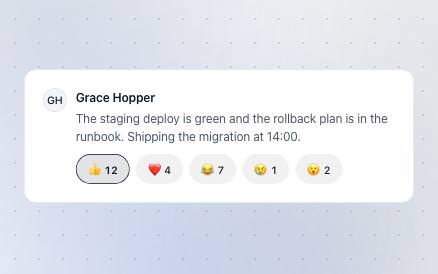
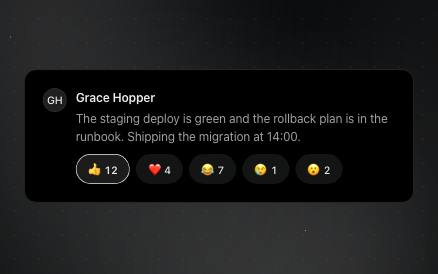
Quick emoji reactions with their counts; the reader's own stands out.
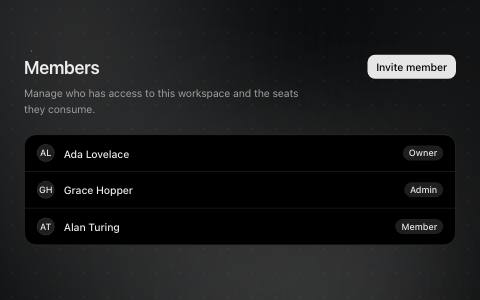
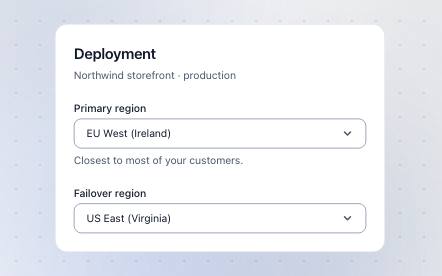
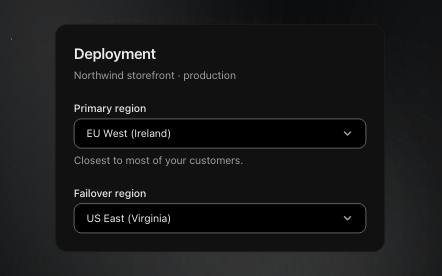
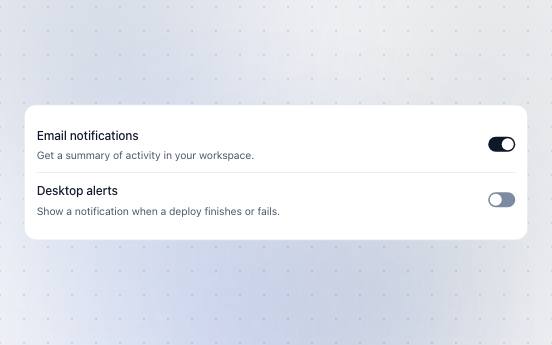
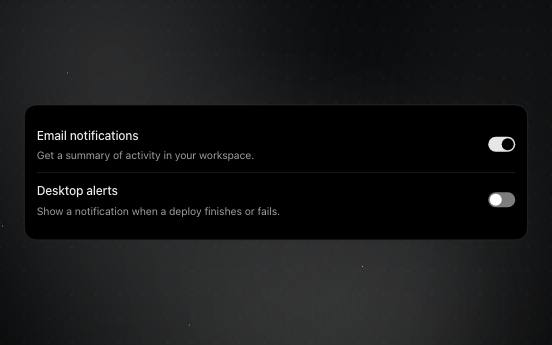
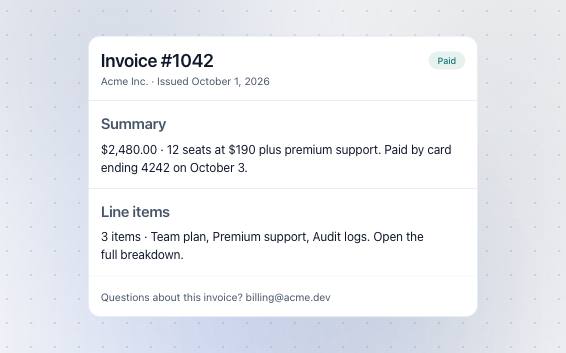
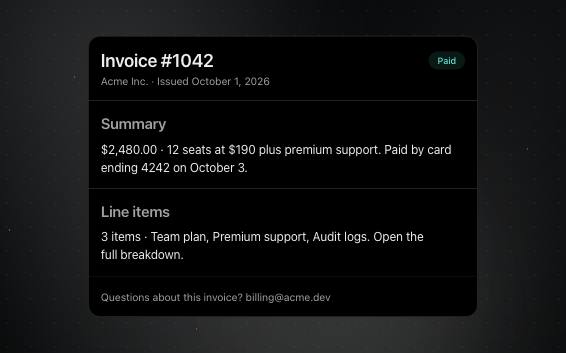
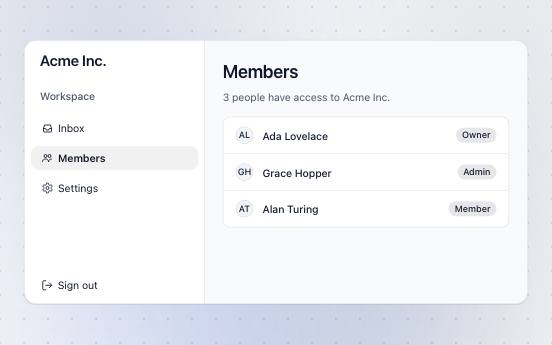
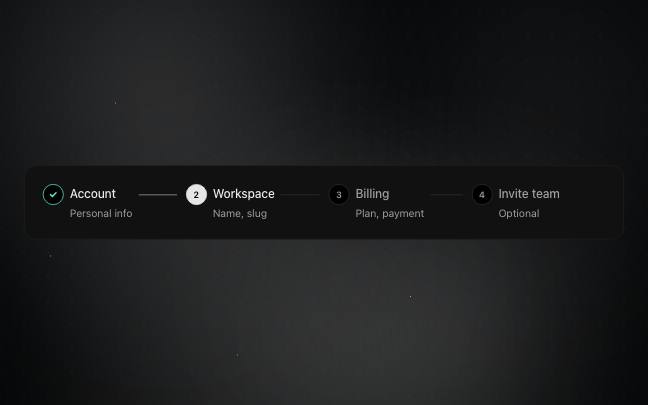
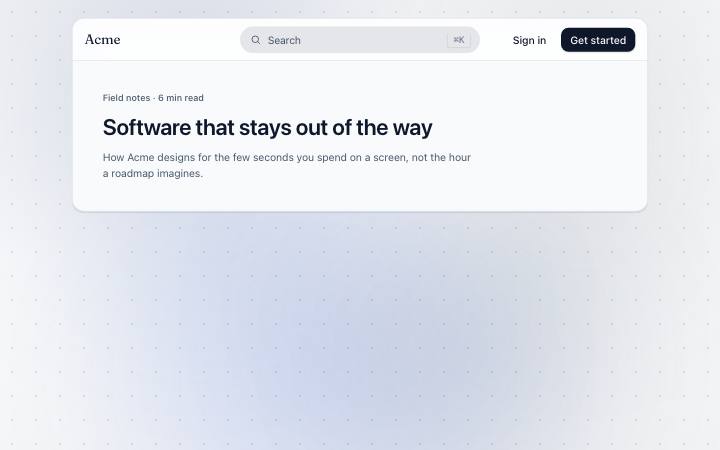
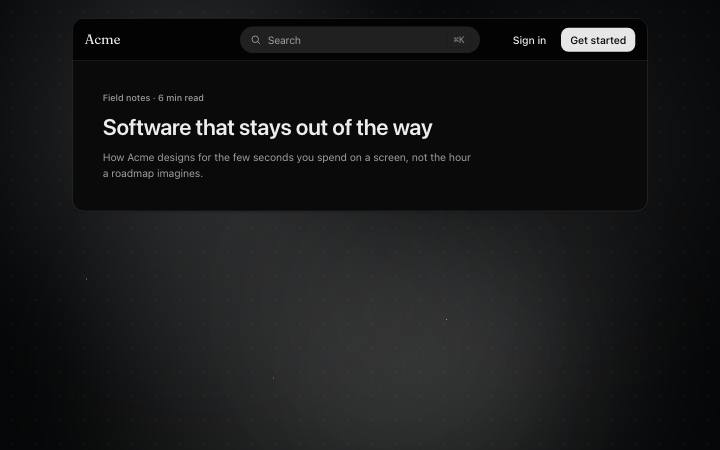
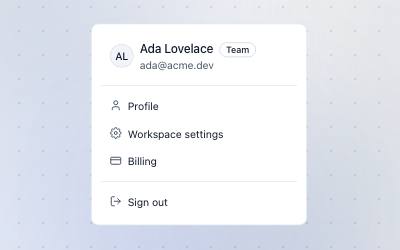
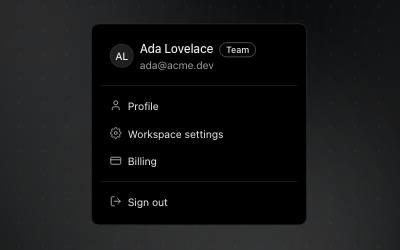
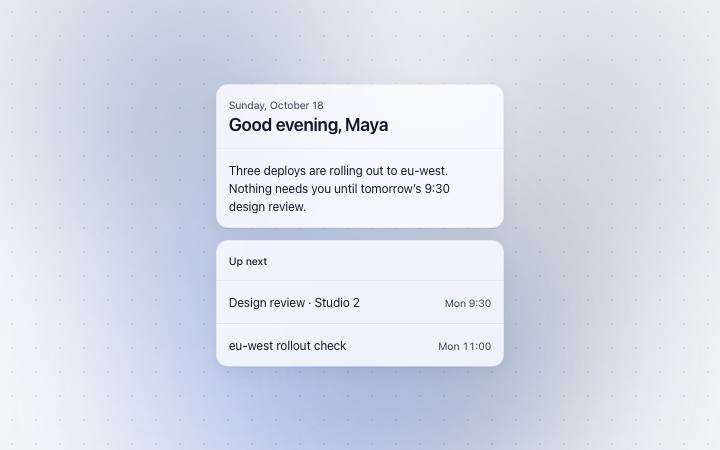
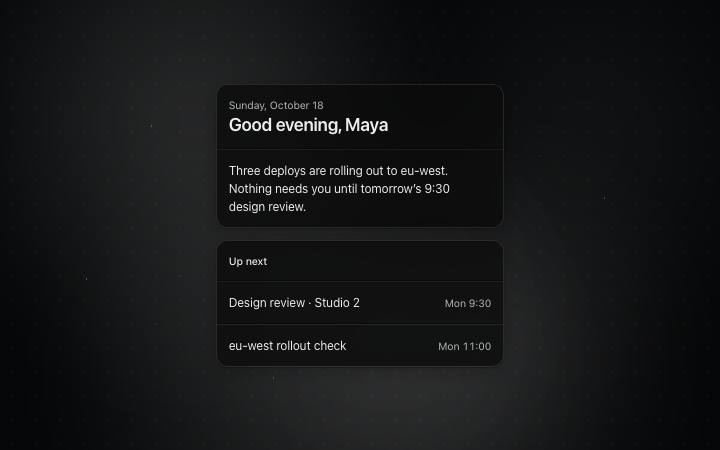
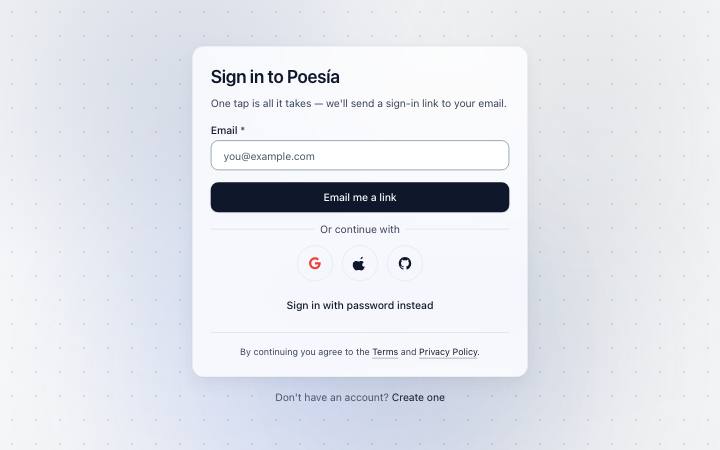

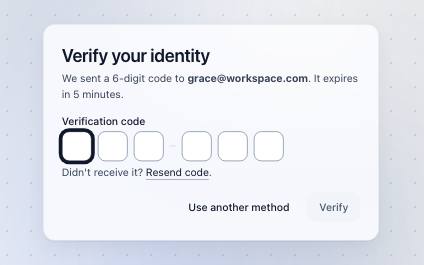
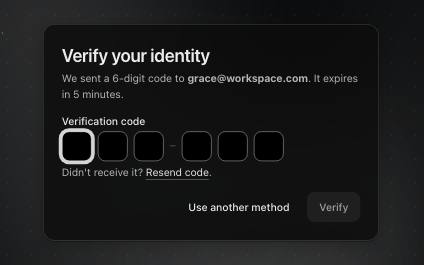
Sign in and sign up: credentials, a one-time code, a forgotten password, and what follows each.
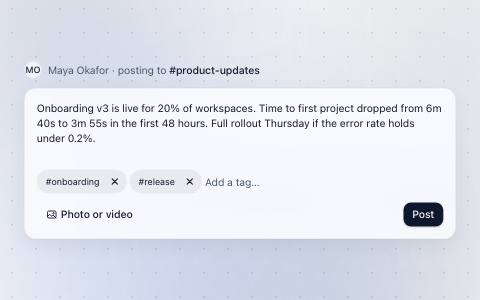
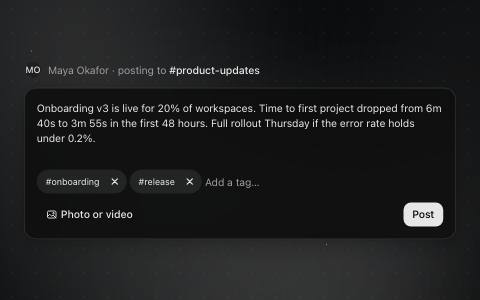
Writes a message or post — text, attachments, mentions and send.
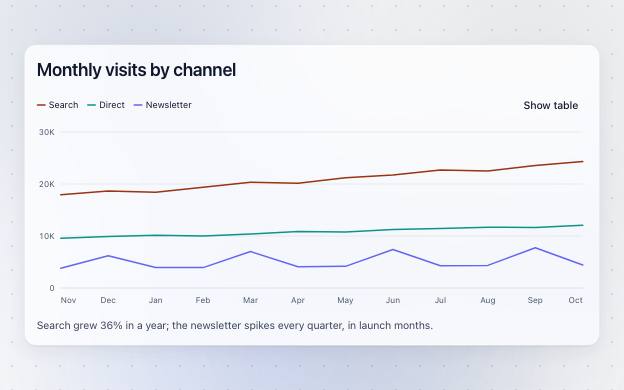
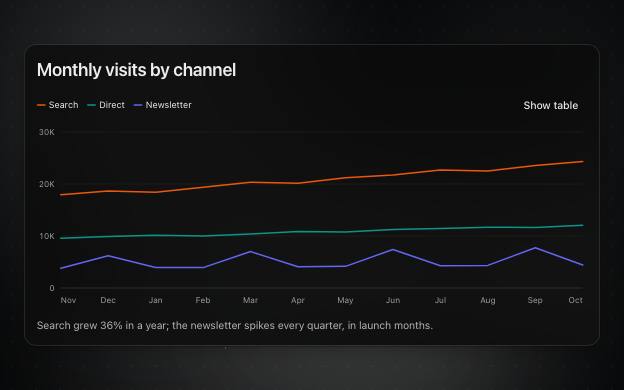
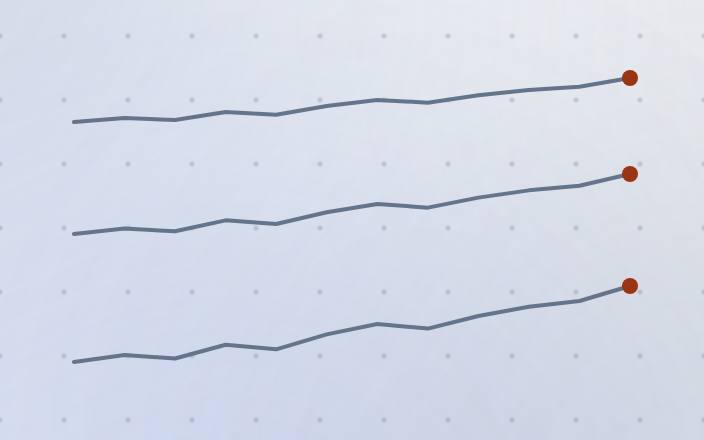
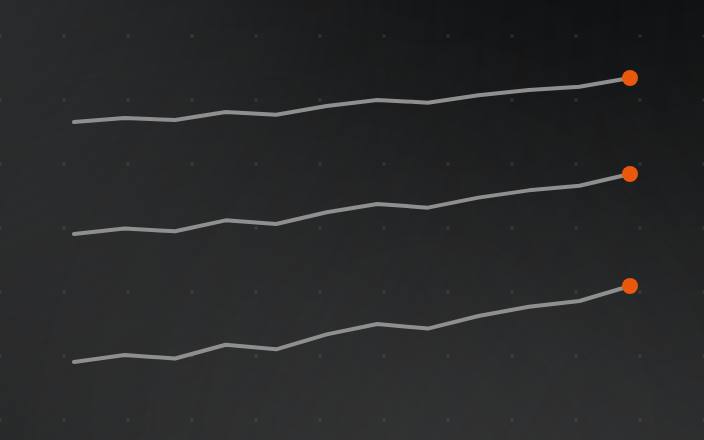
Line, area and column charts with a legend, a table view and keyboard readout.
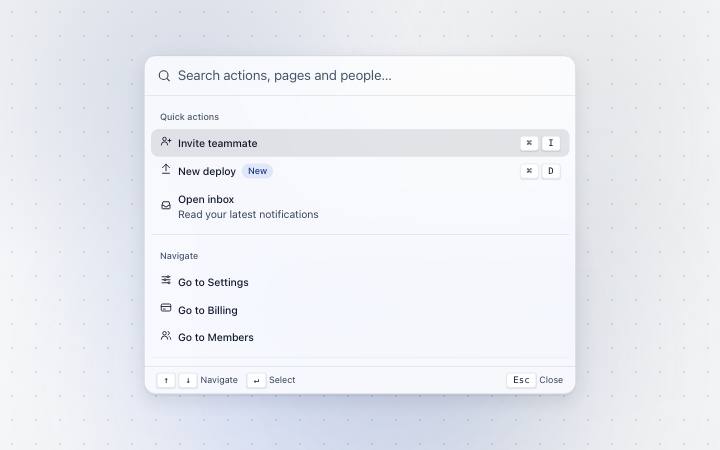
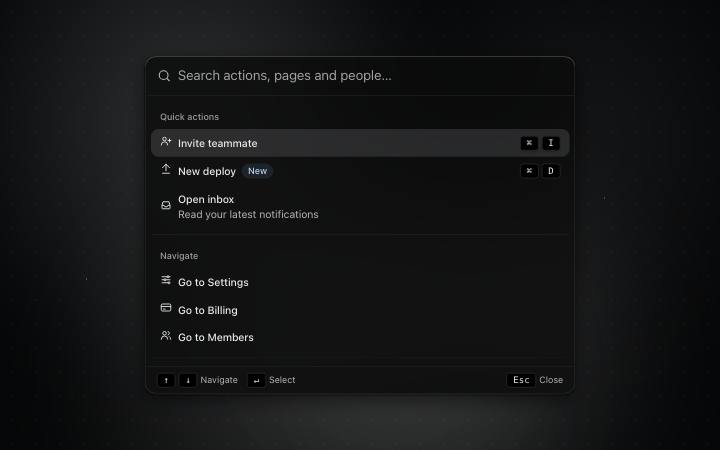
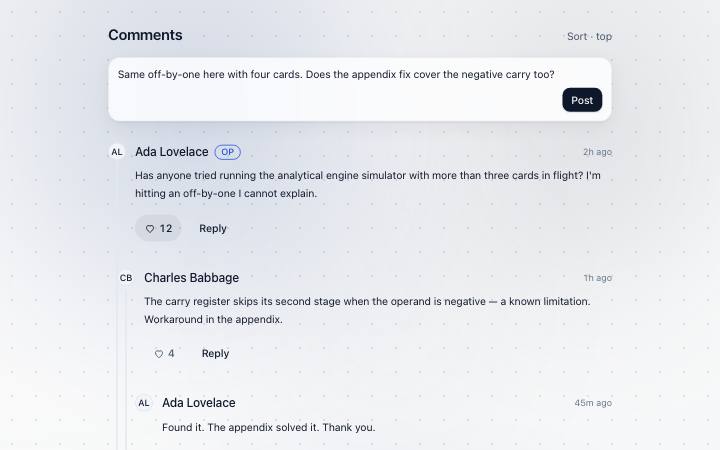
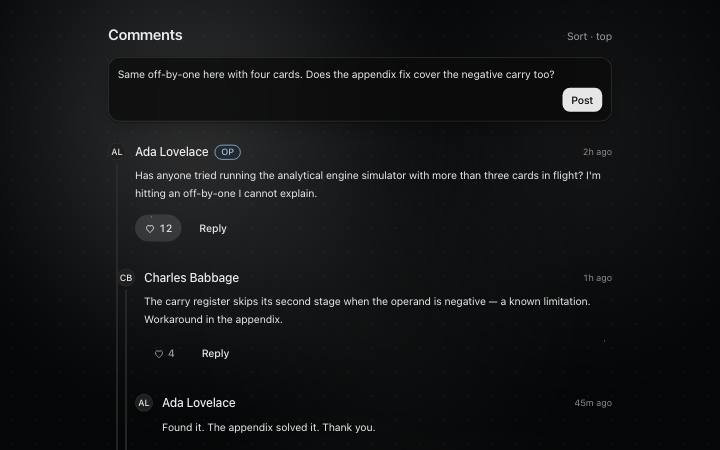
A discussion: comments, replies to them and a box to add yours.
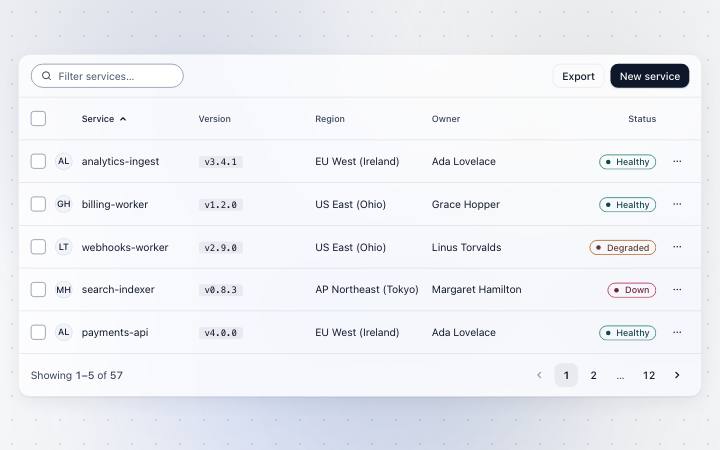
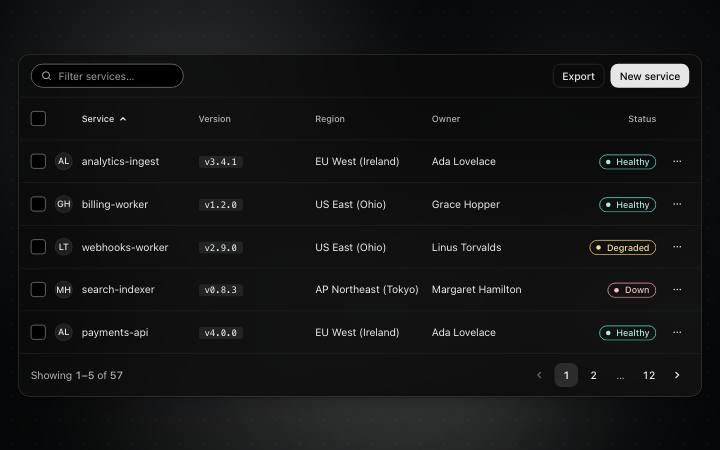
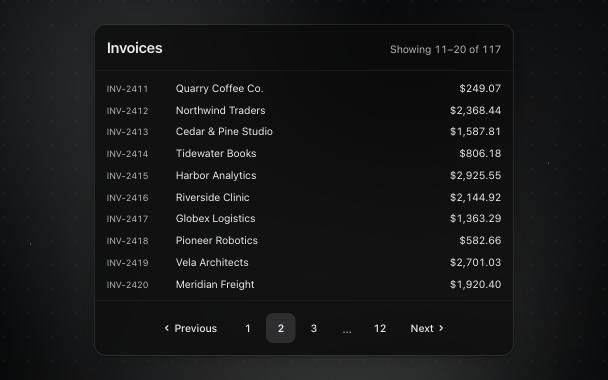
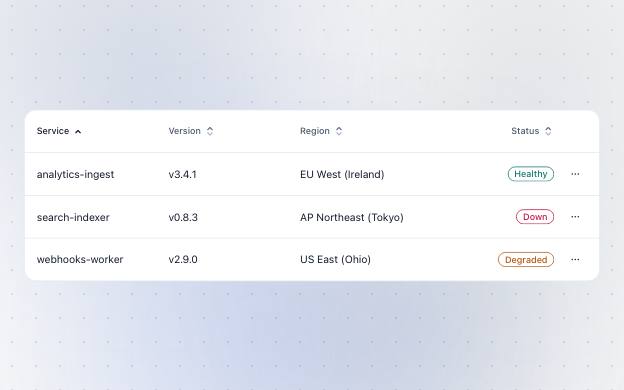
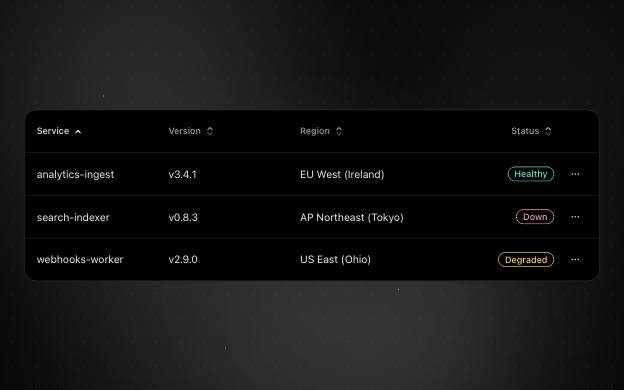
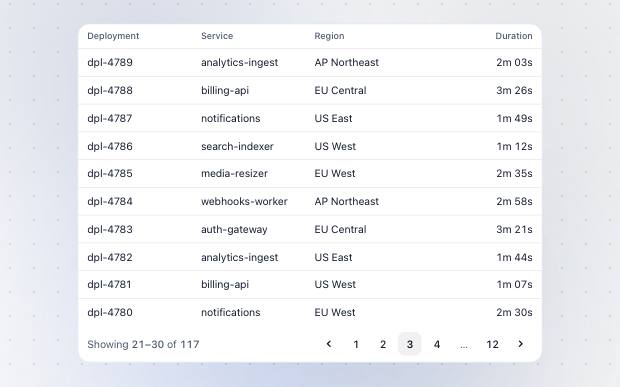
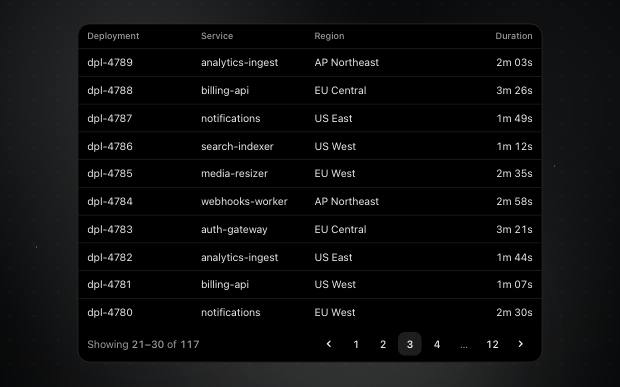
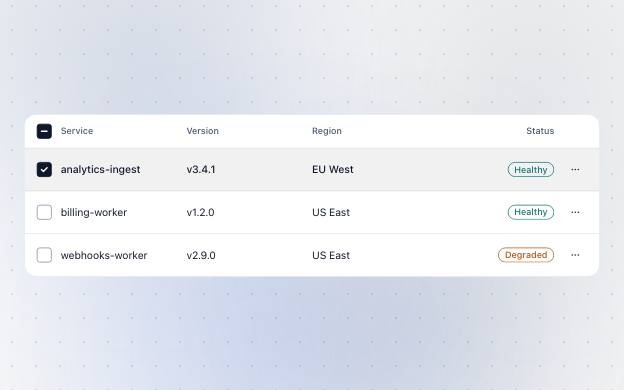
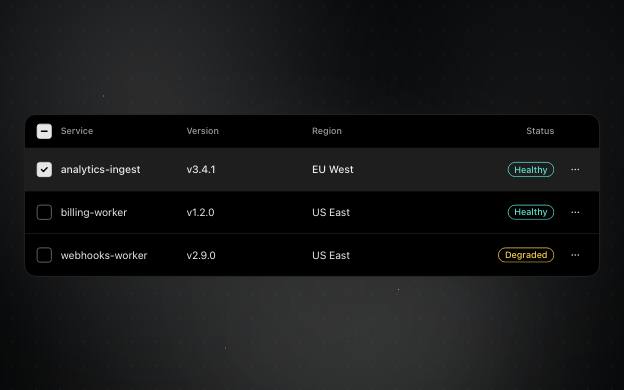
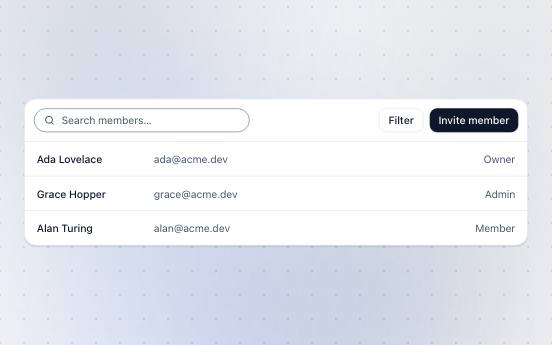
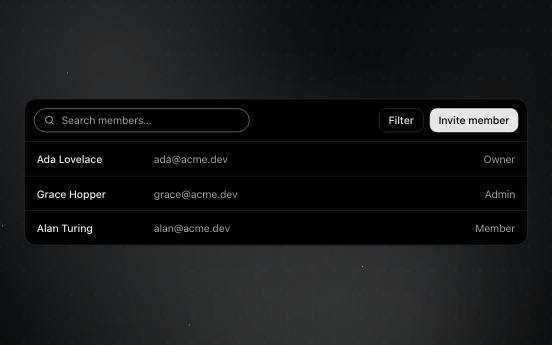
Shows records in rows and columns that people can sort, select and page through.
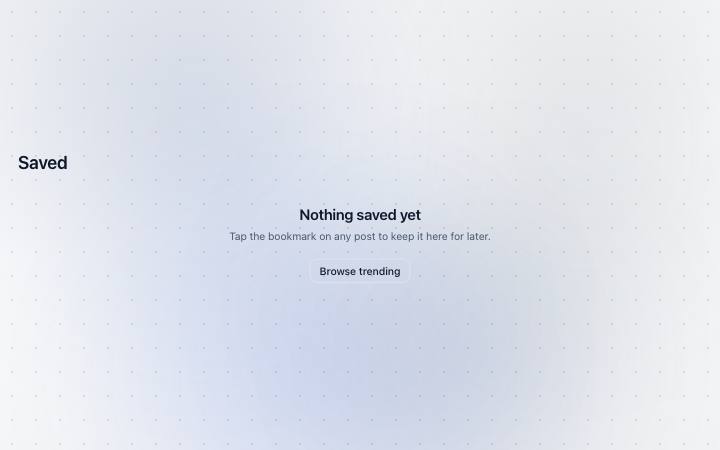


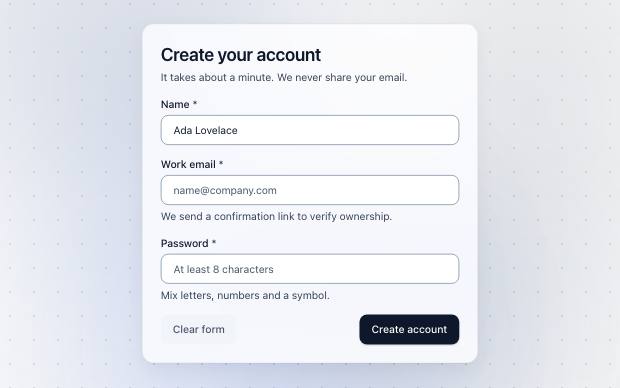
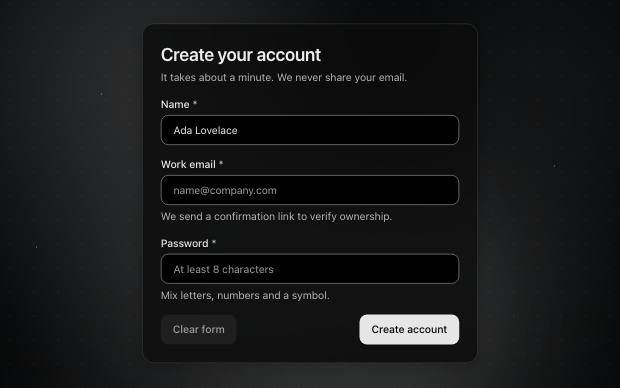
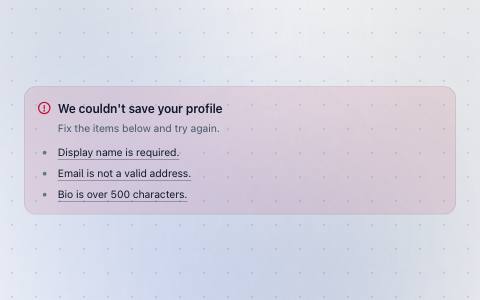
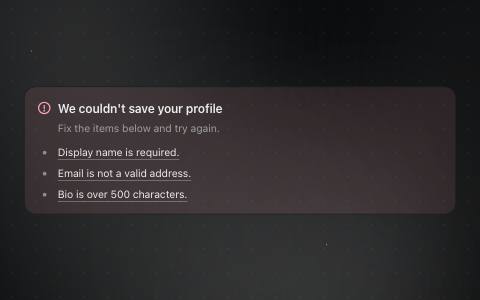
Runs a whole form: checks every answer and shows what needs fixing before it sends.
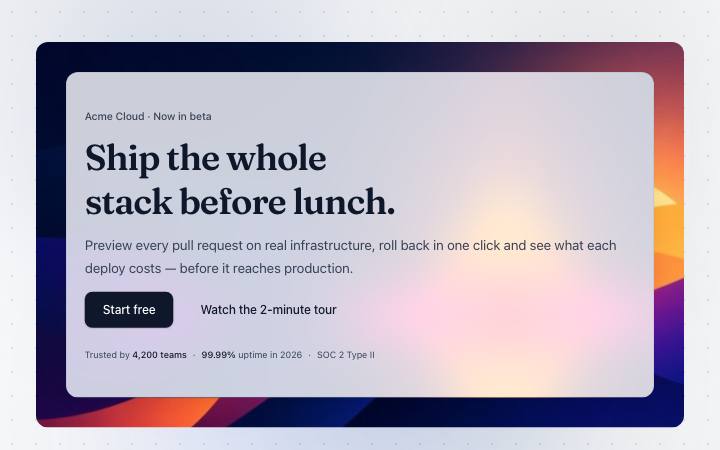

The opening section of a landing or welcome page, with its headline and main action.
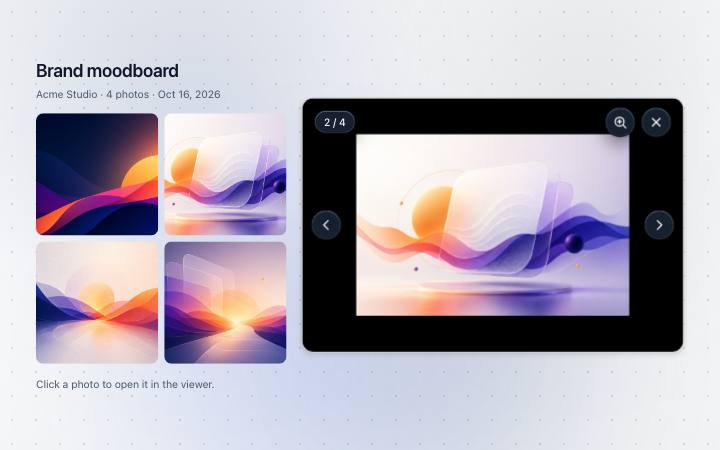
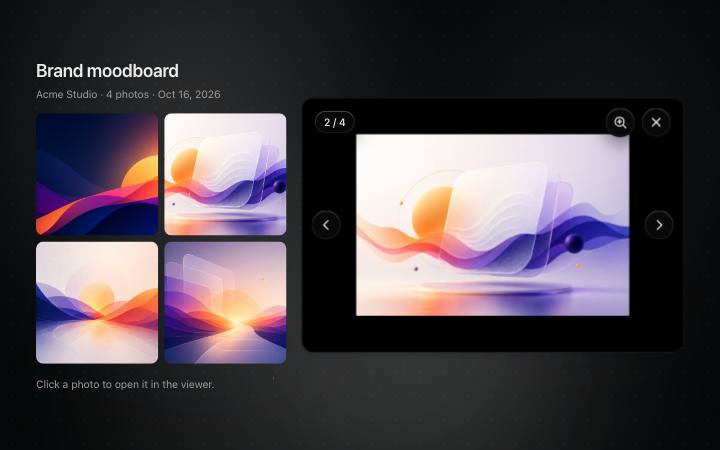
Shows a picture or video full screen, to zoom and step through.
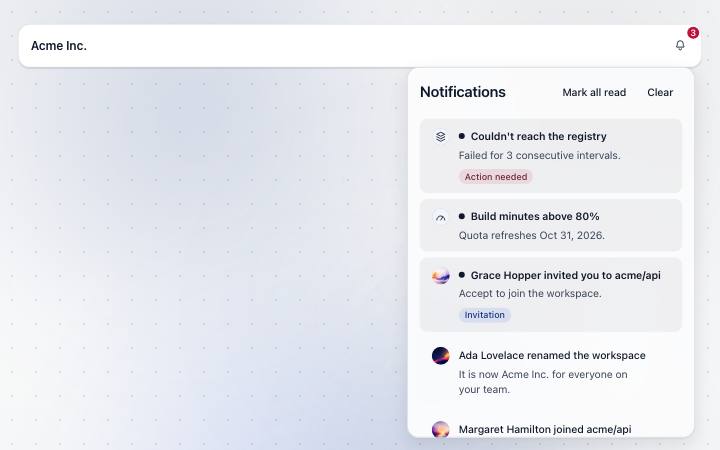
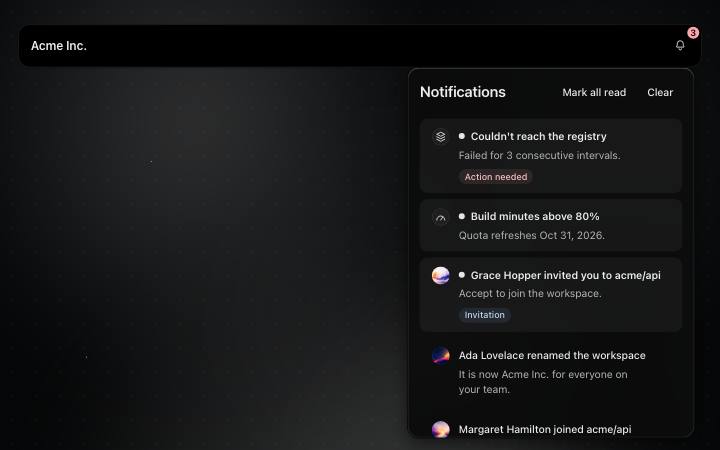
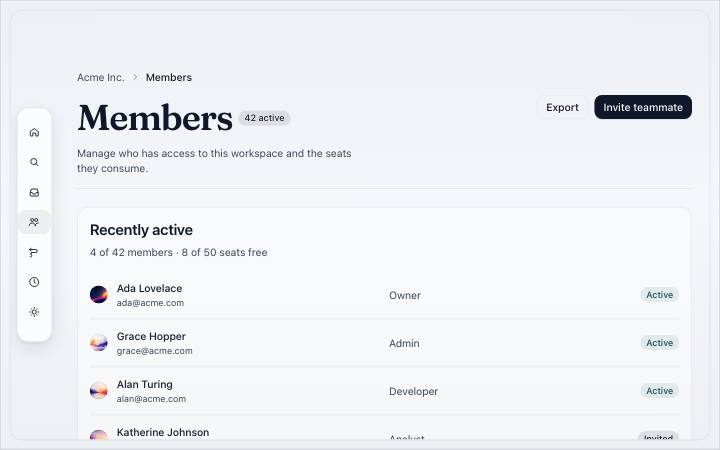
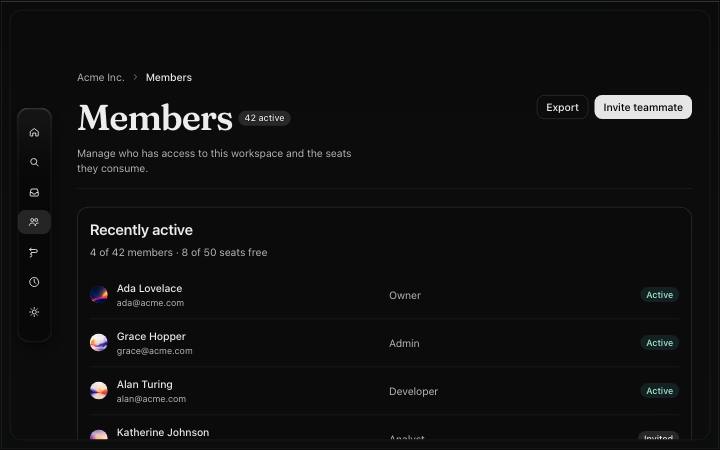
The app frame: an icon rail whose rows peek, the page header, the content; tabs on phones.
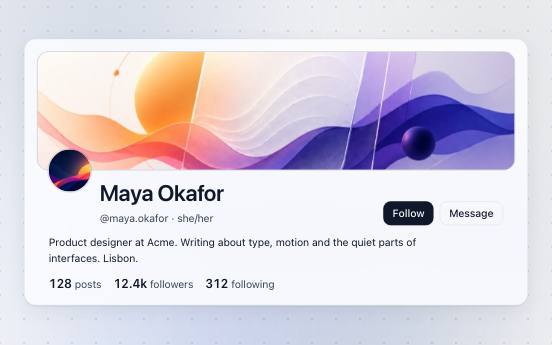
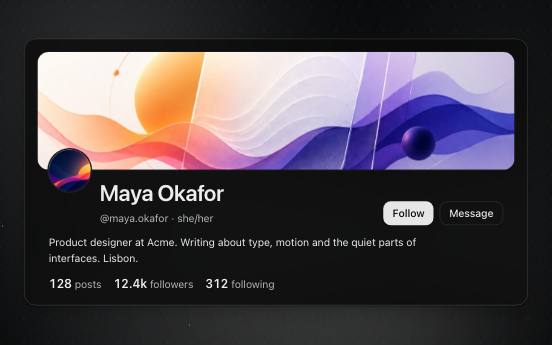
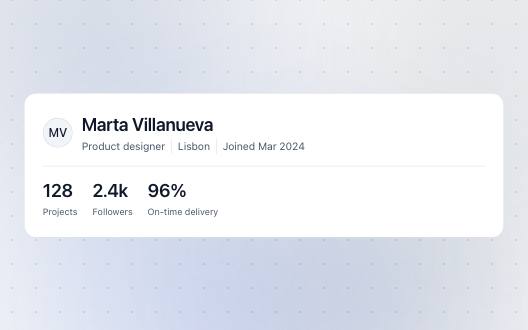
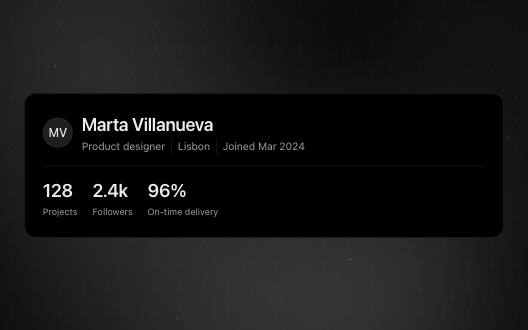
The top of a profile — cover, avatar, name, stats and actions.